Proton Pass Secure File Attachments Explained
Proton Pass adds secure file attachments, letting you save documents and files with your stored passwords and sensitive items securely.

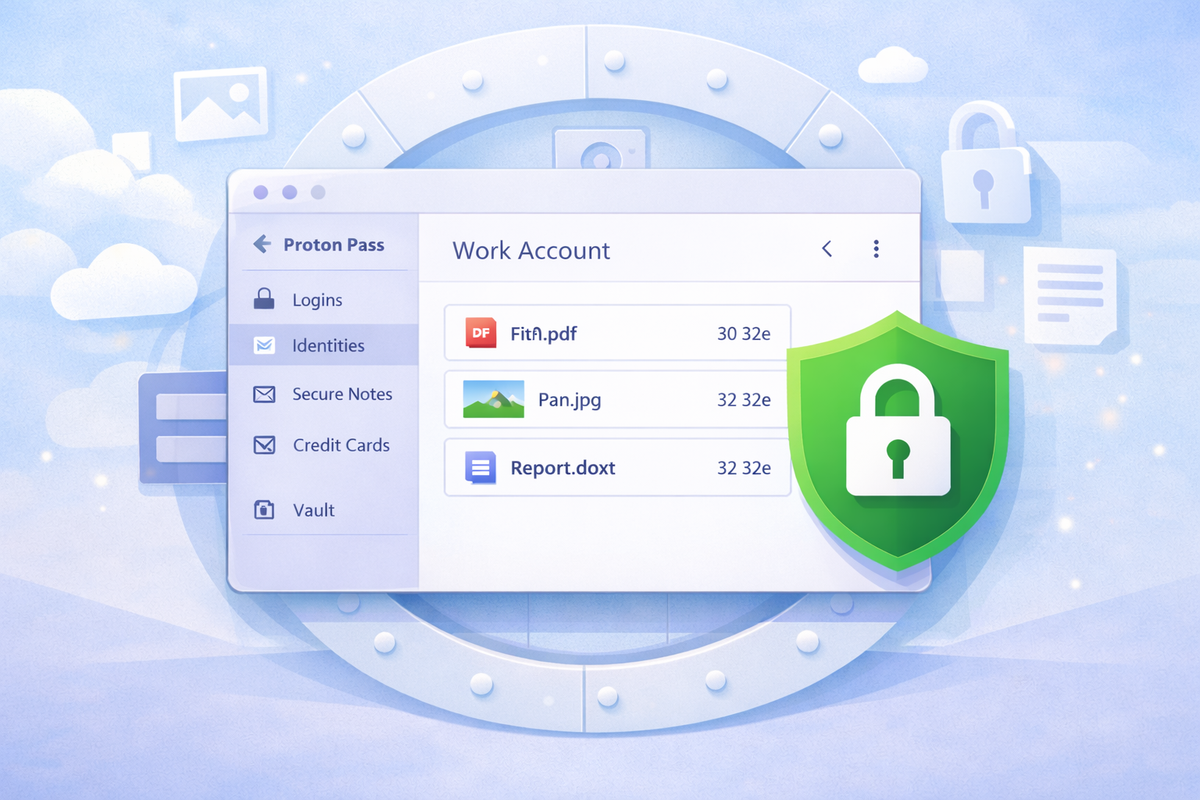
Proton Pass Adds Secure File Attachments — Encrypted Protection for Your Sensitive Data
Proton Pass, Proton’s encrypted password manager, has received a practical productivity upgrade: secure file attachments.
You can now save documents, images, spreadsheets, and other files directly alongside your passwords, notes, identities, and vault items — all protected by the same end-to-end encryption that secures your entire Proton Pass vault.
This update turns Proton Pass into a more complete digital vault for managing both credentials and the files that go with them.
What Are Secure File Attachments?
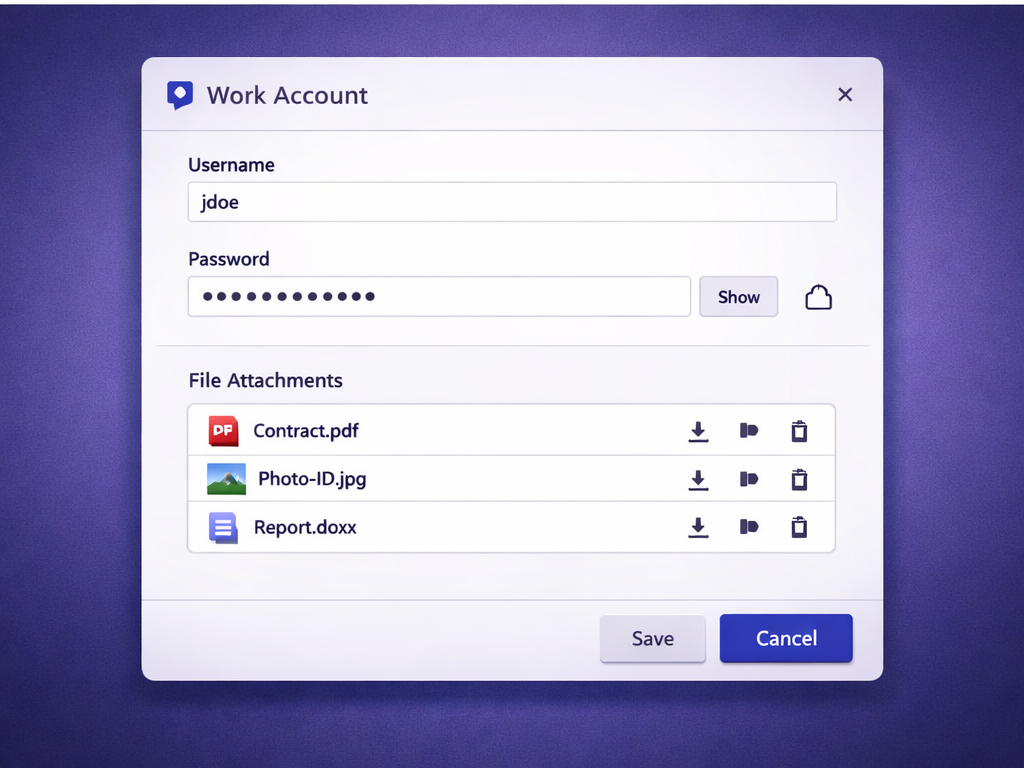
Secure file attachments let you store files together with specific items inside your Proton Pass vault.
For example:
- Attach a scanned copy of your passport to a government login
- Save insurance documents alongside portal credentials
- Store recovery codes with the relevant account
Each attached file is encrypted end-to-end, meaning only you can access it — not Proton, and not any third party.
Supported file types are broad, and storage limits depend on your Proton Pass plan.
Why This Matters
Password managers traditionally focus on logins and secure notes. File attachments extend this by keeping all related information in one encrypted place.
Before this feature, you might store:
- A login in Proton Pass
- A related PDF in a cloud drive
Those tools often use different security models. With attachments, everything stays under the same encrypted umbrella — reducing fragmentation and risk.
Who Gets This Feature?
Secure file attachments are available on paid Proton Pass plans, including:
- Pass Plus
- Pass Family
- Proton Pass Professional
- Proton Unlimited
- Other higher-tier or bundled plans
Note: Storage limits and attachment sizes vary by plan. Free plans may not include this feature.
Best Ways to Use File Attachments
Practical examples include:
- Attaching SIM account documents to telecom logins
- Storing encrypted backups or recovery codes with accounts
- Keeping identity documents with secure notes
- Sharing files securely alongside password entries
Attachments reduce app-switching and keep sensitive material organised and encrypted in one place.
Frequently Asked Questions
What file types can I attach in Proton Pass?
Common formats such as PDFs, images, and documents are supported. Availability may vary by app version and plan.
Are file attachments encrypted?
Yes. Attachments use the same end-to-end encryption as all Proton Pass vault data.
Can I attach files to any vault item?
Most items support attachments, including logins, secure notes, identities, and cards.
Do attachments count toward storage limits?
Yes. File attachments count toward your Proton Pass storage allowance.
Can I access attachments on all devices?
Yes. Attachments sync securely across supported Proton Pass apps and devices.
Final Thoughts
Secure file attachments make Proton Pass more competitive with traditional password managers — without compromising its privacy-first design.
You’re no longer limited to storing just passwords and notes. You can now keep credentials and files together, organised, and encrypted.
If you already use Proton Pass, this update significantly expands what your secure vault can do.
Try Proton Pass
If you’d like to try Proton Pass and support my work, you can do so using the link below.
👉 Try Proton Pass
Disclosure: This page contains affiliate links. If you choose to sign up using them, I may earn a commission at no extra cost to you.