Using YubiKey and Security Keys with Proton Pass (2FA Guide)
A practical guide to using YubiKey and other security keys with Proton Pass for stronger two-factor authentication.

Passwords alone are no longer enough to protect online accounts. As phishing attacks become more convincing and credential leaks more common, stronger forms of authentication are increasingly necessary.
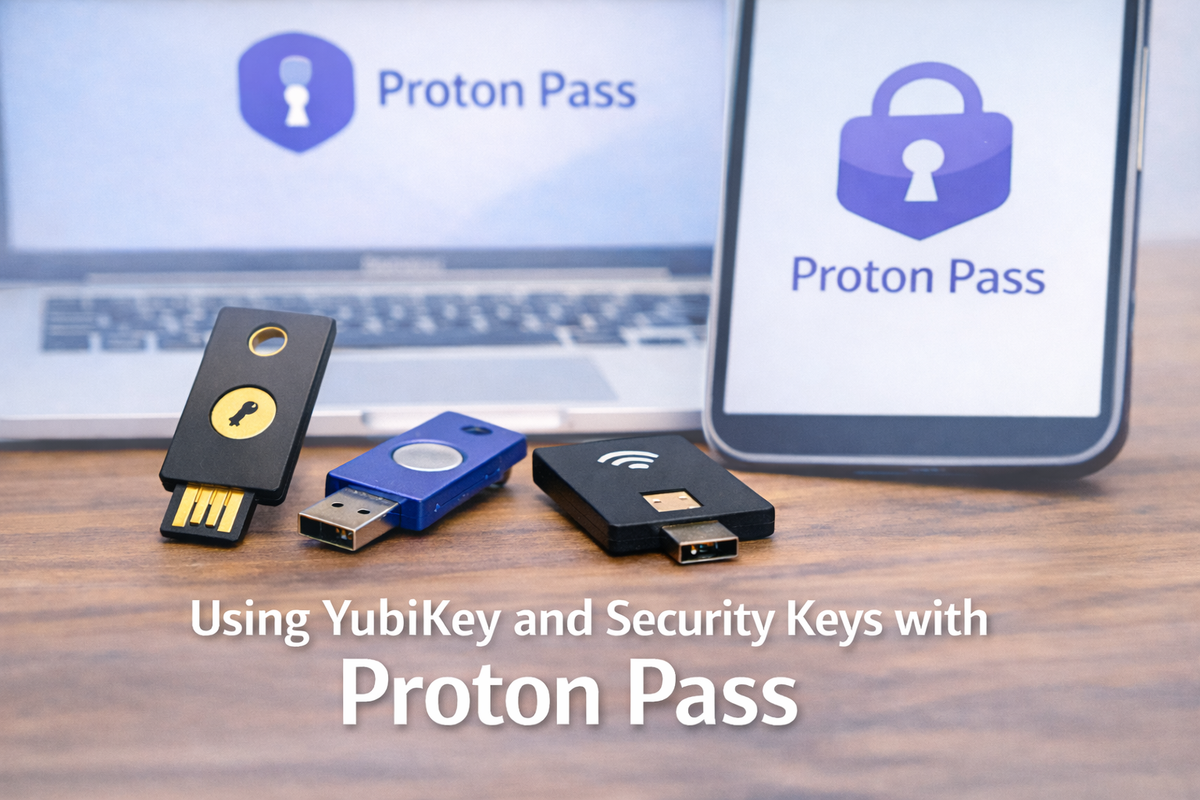
One of the most effective options available today is hardware-based two-factor authentication (2FA) using security keys such as YubiKey. Proton Pass supports this approach, allowing users to add an extra physical layer of protection to their accounts.
This guide explains how security keys work with Proton Pass, why they matter, and whether they’re the right choice for your setup.
Why hardware security keys matter
Most two-factor authentication methods rely on something you know (a password) and something you have (a phone, app, or device). The problem is that many common 2FA methods still have weaknesses.
For example:
- SMS codes can be intercepted
- Authenticator apps can be tricked by phishing
- Push notifications can be abused through prompt fatigue
Hardware security keys require a physical device to be present during login, making remote attacks significantly harder.
If a phishing site tricks you into entering your password, a security key still won’t authenticate unless it’s physically connected and cryptographically verified.
What is YubiKey (and similar security keys)?
YubiKey is one of the most widely used hardware security keys, but it isn’t the only option. Other security keys follow the same standards and work in a similar way.
These devices:
- Plug into USB-A, USB-C, or connect via NFC
- Use open standards like FIDO2 and WebAuthn
- Don’t rely on shared secrets or one-time codes
- Perform cryptographic checks unique to each service
Because the key verifies the website itself, it protects against fake login pages in a way that traditional 2FA methods cannot.
How Proton Pass supports security keys
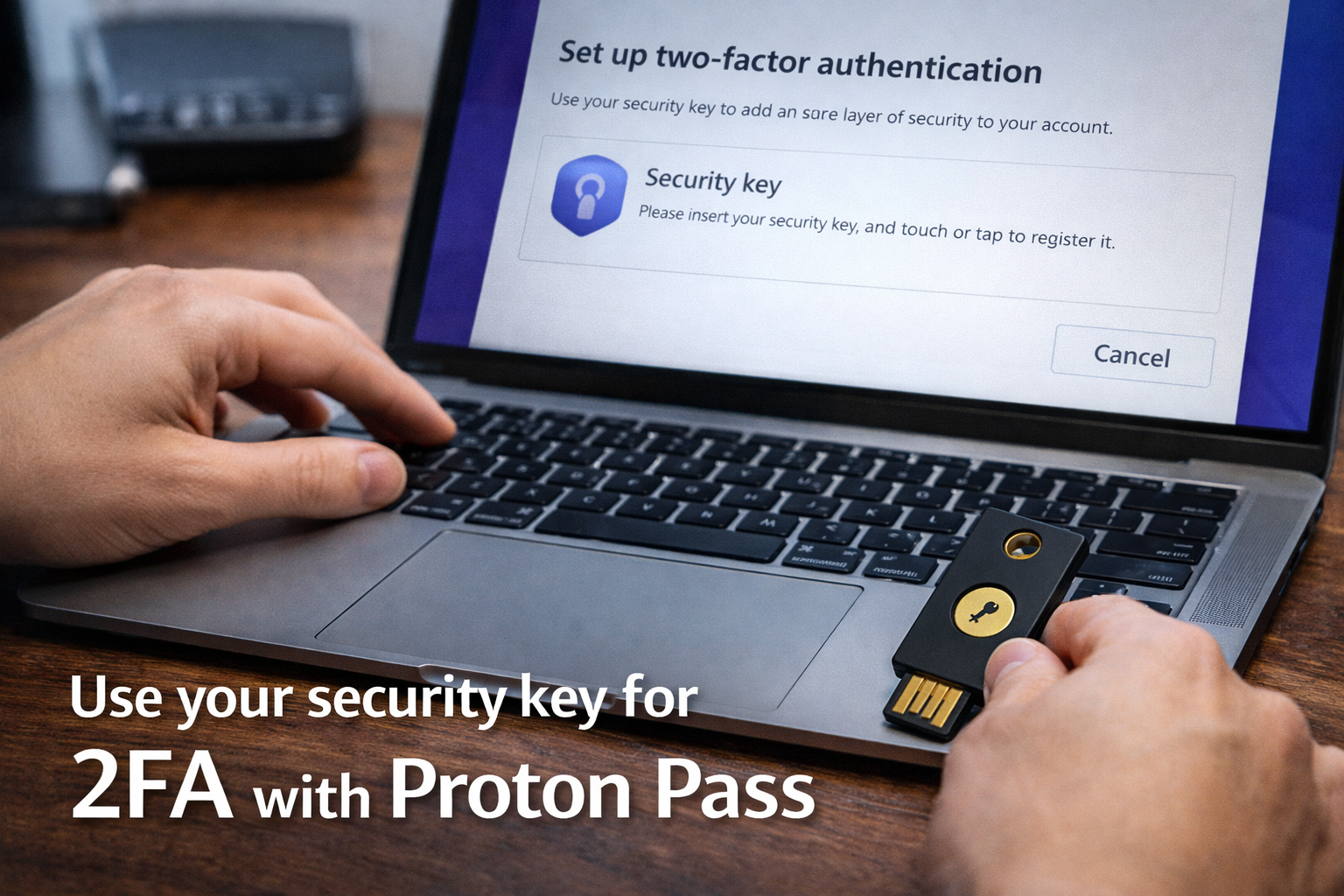
Proton Pass allows you to use hardware security keys as part of your account’s two-factor authentication setup.
Proton implements security keys using modern WebAuth standards, meaning the protection works at the browser and device level — not just inside the app.
Instead of relying solely on passwords or authenticator apps, you can require:
- Your account password
- Plus a physical security key
This means access to your Proton account — including Proton Pass — requires something you physically possess.
Security keys work across:
- Desktop browsers
- Supported mobile devices
- Multiple platforms, depending on the key type
Once configured, logging in becomes both more secure and, in many cases, faster than entering codes manually.
🔐 Get more practical security guides
I cover Proton, password managers, and privacy tools — with clear, step-by-step walkthroughs.
Using Proton Pass with a security key
From a user perspective, the experience is straightforward.
When you sign in:
- You enter your password
- Proton prompts you to use your security key
- You insert or tap the key
- Authentication completes instantly
There are no codes to copy, no apps to open, and nothing to memorise beyond your password.
This simplicity is one of the reasons security keys are often recommended for people who want strong protection without added complexity.
Who should consider using a security key?
Hardware security keys aren’t necessary for everyone, but they are especially useful if:
- You store sensitive information in Proton Pass
- You manage multiple online accounts
- You’re concerned about phishing attacks
- You want protection that doesn’t rely on your phone
- You prefer physical security controls
They’re also popular with journalists, developers, privacy-conscious users, and anyone who wants stronger assurance that their account cannot be accessed remotely.
Security keys vs other 2FA methods
Security keys don’t replace all forms of two-factor authentication, they strengthen them.
Compared to other methods:
- SMS codes: convenient, but vulnerable
- Authenticator apps: strong, but still phishable
- Security keys: resistant to phishing and impersonation
Many users choose to combine methods, using a security key as their primary option and keeping another method as a fallback.
Things to consider before enabling a security key
Before switching to hardware-based 2FA, it’s worth planning ahead.
Consider:
- Keeping at least one backup security key
- Storing recovery options securely
- Ensuring your devices support the key type
- Understanding Proton’s account recovery process
Like any strong security measure, preparation matters. The goal is to improve protection without locking yourself out.
Frequently asked questions
Do I need a YubiKey specifically to use hardware security keys with Proton Pass?
No. YubiKey is one of the most well-known options, but Proton Pass supports hardware security keys that follow open standards such as FIDO2 and WebAuthn. Many compatible keys from other manufacturers will work in the same way. The important factor is standards support, not the brand.
Is a hardware security key better than an authenticator app?
In many cases, yes. Authenticator apps are secure, but they can still be compromised by phishing attacks that trick users into entering codes on fake login pages. Hardware security keys verify the website itself during login, which makes them far more resistant to phishing and impersonation attacks. For users concerned about targeted attacks, security keys offer a higher level of protection.
Can I still use Proton Pass if I lose my security key?
Yes — but only if you plan ahead. Proton allows backup authentication methods, such as additional security keys, recovery codes, or alternative 2FA methods. It’s strongly recommended to register at least one backup key and store recovery options securely before relying on a hardware key as your primary method.
Do security keys work on mobile devices with Proton Pass?
In most cases, yes. Many modern security keys support USB-C, NFC, or Lightning, allowing them to work with compatible smartphones and tablets. Device support depends on both the key type and your operating system, so it’s worth confirming compatibility before enabling hardware-based 2FA.
Does using a security key slow down the login process?
No. In practice, security keys often make login faster. Instead of opening an app or typing a one-time code, you simply insert or tap the key. Authentication happens instantly once the key is detected.
Are security keys only useful for high-risk users?
Not at all. While journalists, developers, and privacy-focused users often adopt security keys first, they’re useful for anyone who wants strong account protection without complexity. If you store sensitive information in Proton Pass or want protection that doesn’t rely on your phone, a security key is a sensible upgrade.
Can security keys protect against all types of attacks?
No security measure is perfect, but hardware security keys are highly effective against phishing, credential theft, and remote account takeover. They don’t protect against malware on an unlocked device or physical access to your account, which is why they should be used alongside good password hygiene and device security.
Should I replace my existing 2FA method with a security key?
You don’t have to. Many users keep an authenticator app as a fallback while using a security key as their primary method. This layered approach balances convenience with resilience and reduces the risk of lockout.
Is setting up a security key with Proton Pass difficult?
No. The setup process is straightforward and guided within Proton’s account security settings. Once registered, the key works automatically during login without additional configuration.
Is a security key worth it if I already use a strong password?
Yes. Strong passwords are important, but they can still be stolen or reused across breaches. A security key adds a physical verification step that makes stolen credentials useless on their own.
Final thoughts
Using a YubiKey or similar security key with Proton Pass adds a powerful layer of defence against modern account attacks. It moves security beyond passwords and codes and ties access to something physical you control.
For users who value privacy and long-term account protection, hardware-based authentication is one of the most effective upgrades you can make.
If you’re already using Proton Pass, adding a security key is a logical next step toward a more resilient security setup.